How to Automate Work Across SaaS Apps
A practical method to automate work across SaaS apps: pick the right tasks, choose an integration path, add approvals and traces, and measure the result.
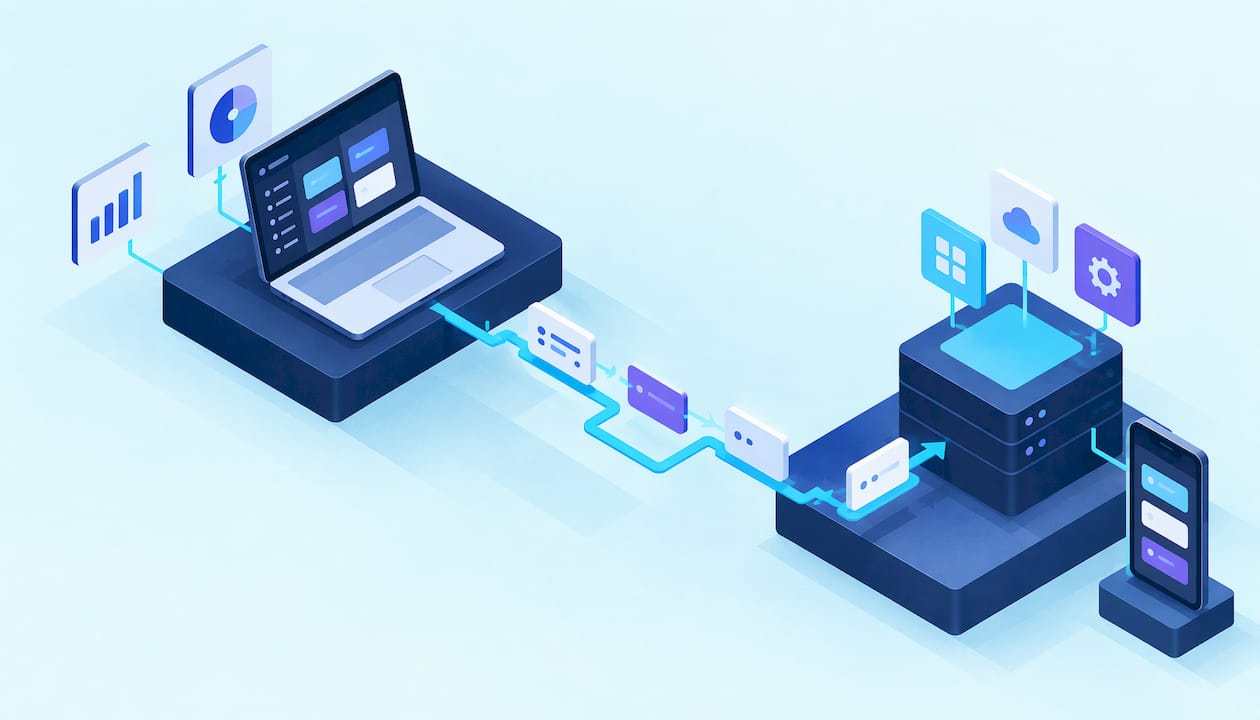
To automate work across SaaS apps, pick the repetitive, rule-based tasks first, connect them through the most stable interface each app offers (API first, browser or desktop control only where there is none), keep a human approval on every consequential action, and log every run so you can replay it. Melaya is built for exactly that stack: you bring the model (Claude, GPT, Gemini, DeepSeek, Mistral, Qwen, or a local one through Ollama or LM Studio), and Melaya supplies the controlled tools, approvals and traces.
TL;DR
- Measure before you build: log real work for one to four weeks, multiply time by frequency, and automate the top three to five tasks by payback.
- Connect in this order: native or API integration, then an integration platform, then custom code, with browser, desktop or Android control as the fallback for apps without an API.
- Put a human approval in front of every publish, send, payment or write to a connected app, and scope each credential to the minimum.
- Test on realistic data, keep an execution trace of every run, and re-measure against your baseline after launch.
- Melaya is bring-your-own-model: any cloud or local model works, and you can switch models without rebuilding tools or workflows.
Step 1: Find the work worth automating
Most failed automation projects start with the wrong task. A task that looks annoying is not necessarily one that costs much. Measure it.
Nodra's method is to observe real work across applications for two to four weeks, then apply a simple multiplier: time per occurrence × frequency × people × working days. A 12-minute daily task across 40 people over 220 working days comes to 1,760 hours a year. That is a full-time employee's worth of copy-paste from a task nobody would have flagged.
A lighter version works for a small team. Nordspike's audit logs every repeated task for one week, including the two-minute ones, scores each from 1 to 5 on frequency and pain, keeps anything at 12 or above, and ranks by payback (build cost divided by monthly value). Build the top three to five.
For each candidate, write down five things:
- The trigger (a new row, an email, a ticket status change, a schedule).
- The input and where it lives.
- The decision rule, if any.
- The output and where it must land.
- The judgment level.
The judgment level decides the design. No judgment: automate fully. Light judgment: the agent drafts, a person approves. Heavy judgment: leave it with people. Nordspike uses the same three-way split, and it maps directly onto how an approval step works in an agent pipeline.
System data also beats interviews. Nolli reports a CRM analysis of a quote-signing process that its documentation listed as seven steps. The data showed 20 steps and seven loops, with work returning to the first step in 61% of requests. Pull the event history from your tools before you trust the SOP.
Step 2: Choose how each app connects
Every SaaS app offers some mix of native integrations, a public API, webhooks, and nothing at all except a user interface. Stripe's integration guide describes three paths: a custom build, an integration platform (iPaaS), and robotic process automation (RPA), the last being useful mainly as a fallback for systems without API access. It also flags the failure modes you will hit: API rate limits, schema drift that silently sends corrupt data, and vendor API changes or deprecations.
Use this decision table per app:
| Situation | Best path | Watch for |
|---|---|---|
| App has a stable API and you need structured reads and writes | API or native integration through an agent tool | Rate limits, token expiry, schema changes |
| Standard trigger-and-action between two popular apps | Native integration or a workflow platform | Task-based pricing, limited branching |
| Logic needs custom rules, joins, or heavy data handling | Custom code called as a tool | Maintenance, owner turnover |
| Web app with no usable API | Browser automation | Layout changes, login flows |
| Desktop software with no API | Desktop control | Window state, screen resolution |
| Android-only app | Mobile device control | Android only, not iOS |
The last three rows are where classic integration platforms stop. This is where Melaya fits. Browser Control, Computer Control and Mobile Agents let an approved AI model operate websites, desktop software and Android applications. Computer Control runs through the Melaya desktop app. Device control is Android only.
The design principle is simple: your AI model is the brain, and Melaya is the controlled pair of hands. The model decides. Melaya's tools act, inside the permissions you set.
Step 3: Build the workflow with tools, memory and triggers
A useful workflow has six parts: a trigger, a model, tools, memory, an approval point, and an output. In Melaya's Agent Builder you combine models, tools, memory, schedules, approvals, triggers and multi-agent pipelines visually, and each run is traceable and replayable.
A concrete example, an invoice-to-ERP flow:
- Trigger: a new email with a PDF lands in a shared mailbox.
- Extraction: the model reads the invoice and returns vendor, amount, due date and line items.
- Validation: a plain code step checks the vendor against your master list and the total against line items.
- Draft: the agent prepares the bill in your accounting or ERP app, such as Odoo, with which Melaya has a native integration.
- Approval: a person sees the draft next to the source PDF and approves or rejects.
- Write: only after approval does the record get written.
Step 3 is plain code, not a model call. Nolli's process-mapping method sorts every step into one of four buckets: delete it, run it as plain code, give it to an agent, or keep a person on it. Use the model only where inputs are unstructured. Deterministic checks are cheaper, faster and easier to test.
If a single agent handles too many responsibilities, split it. The multi-agent orchestration guide covers how to divide work between specialized agents that pass results along a pipeline.
Bring your own model
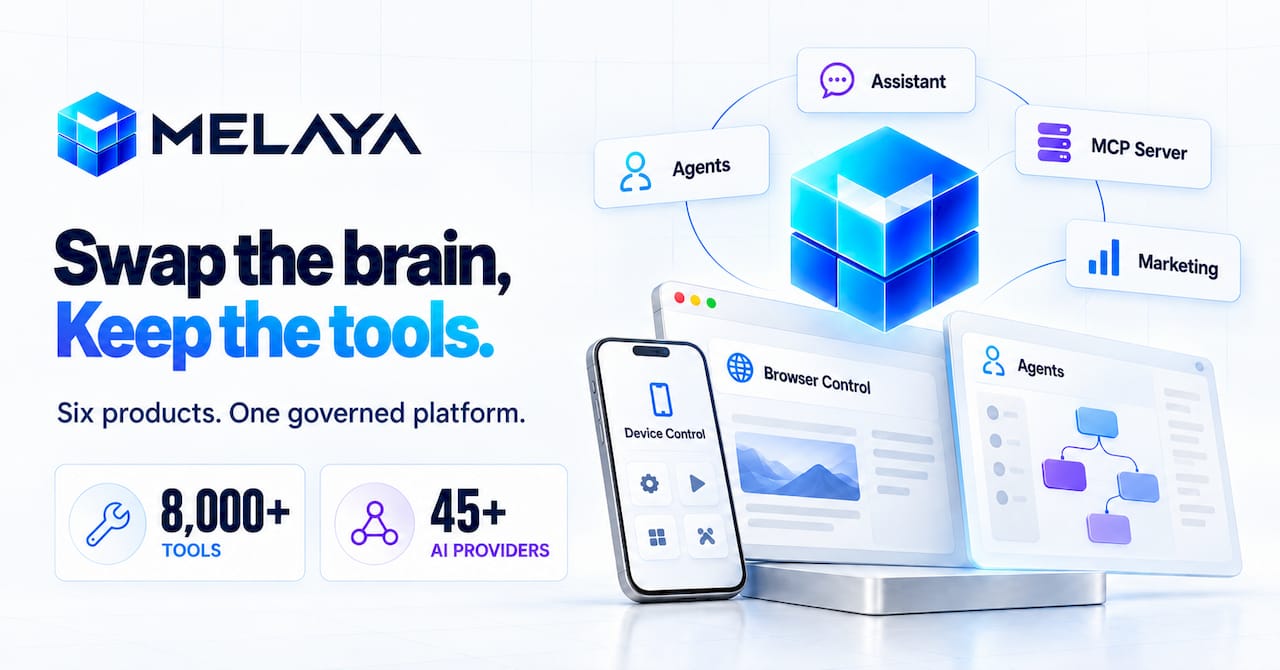
Melaya does not require its own model for agents. You connect whichever provider or router you already use, or a local runtime. That includes Claude, GPT, Gemini, DeepSeek, Mistral, Qwen, Ollama and LM Studio. Teams can change models or move to local infrastructure without rebuilding their tools and workflows. In practice this matters twice: when a cheaper or better model ships, and when a data-residency rule forces a workload onto your own hardware.
If you already work inside ChatGPT, Claude, Cursor or Codex, the Melaya MCP Server brings the same tools into those clients.
Step 4: Authentication, permissions and approvals
An agent that touches six SaaS apps holds six sets of credentials. Treat each as a liability.
Scope every credential to the minimum. Least privilege applies to OAuth scopes as it does to people: read-only by default, with write access added only where the function needs it. Never hand an agent an admin token because it was the easiest to paste.
Gate every consequential action. In Melaya, every consequential action runs behind human approval: publishing, sending, paying, and writing to connected apps. Reading, summarizing and drafting do not need a gate. Anything irreversible or externally visible does.
This lines up with official guidance. Singapore's IMDA Model AI Governance Framework for Agentic AI is organized around four areas: bound risks up front (limit agent scope, manage identity, control access), keep humans meaningfully accountable, implement technical controls, and make sure end users understand what the agent can do. It specifically calls for checkpoints on high-stakes or irreversible actions, and for auditing that human oversight stays effective, since people approving every item by reflex is its own risk.
That last point shapes how you design approvals:
- Approve at the action, not at the whole run, so the reviewer sees exactly what will be sent or written.
- Show the source next to the draft. A reviewer who cannot check the input will click approve.
- Keep batches small enough to read. Fifty approvals in a row get skimmed.
- Review approval logs monthly: rejection rate, time to decision, and who approves what.
Melaya's approach to this is covered in the human-in-the-loop guide. The platform also provides granular permissions and execution traces, and it has independent security audits.
Step 5: Data mapping and error handling
Most production failures in cross-app automation are data failures, not model failures.
Map fields explicitly. Write a table for each handoff: source field, destination field, type, required or optional, transformation rule. Dates, currencies, enums ("Closed Won" in one app, "won" in another) and ID formats cause the quiet errors. Stripe's warning about schema drift applies here: when a vendor renames a field, nothing crashes, the wrong data just flows.
Design for rate limits and retries. Retry only on errors that can succeed on a second attempt, back off between attempts, cap the number of retries, and make write retries idempotent so a retry never creates a duplicate record. After the cap, route the item to an exception queue with its context and alert an owner.
Treat webhooks as unreliable. They can arrive twice or out of order. Deduplicate on an event ID.
Decide what "stuck" means. Every run needs a timeout and an owner. A workflow that waits forever on an approval is a silent backlog.
Step 6: Test before you trust it
Test agent workflows more like a release than a script. IMDA's Starter Kit for Testing Agentic Systems recommends four steps: identify risks, create realistic tests, run them and analyze the logs, and keep monitoring after deployment. Its suggestions include starting in contained but realistic environments, capturing the full agent trajectory, and measuring tool-use accuracy and handoff accuracy. It also recommends repeated runs and different model and harness combinations.
A workable test plan for one workflow:
- Build a set of 30 to 50 real, anonymized inputs, including ugly ones: missing fields, duplicates, odd formats.
- Run each input several times. Agents are not perfectly deterministic, so look at the spread, not one pass.
- Score tool-call accuracy: did the agent call the right tool with the right arguments?
- Run the same set on a second model. Provider independence is only useful if you know the workflow survives the swap.
- Run in shadow mode for a week: the agent drafts, nothing is written, a person compares.
Because Melaya runs are traceable and replayable, a failure on step 5 of a pipeline can be inspected from the recorded run rather than guessed at.
Step 7: Measure and scale
Go back to your Step 1 baseline and re-measure the same tasks. Nodra's method ends with exactly this: verify gains against the baseline.
For context on what organizations report, Deloitte's 2026 agreement-management survey of more than 1,100 respondents across six countries found an average 36% efficiency gain from automated workflows and AI. It also found organizations using agentic workflows with an end-to-end solution reported nearly 30% higher ROI over the previous 12 months than those without. Treat these as a range for your own targets, and rely on your measured baseline.
Track four numbers per workflow:
- Hours saved per month against baseline.
- Approval rejection rate (a rising rate means the agent drifted or inputs changed).
- Exception queue size.
- Cost per run, including model usage.
To scale, copy the pattern, not the workflow. Once invoices work, the same trigger, validate, draft, approve, write skeleton fits expense reports, vendor onboarding and purchase orders. Melaya publishes starting points by function: operations, sales and business development, HR, engineering and project management.
Common problems and how to fix them
| Symptom | Likely cause | Fix |
|---|---|---|
| Duplicate records | Retry without idempotency, or duplicate webhook | Deduplicate on an ID; make writes idempotent |
| Wrong values in destination | Schema drift or enum mismatch | Re-check the field map; add a validation step |
| Runs stop mid-way | Expired token or rate limit | Refresh tokens on schedule; throttle; back off |
| Approvers approve everything | Too many items, no source shown | Smaller batches; show the input beside the draft |
| Web step breaks | Page layout changed | Re-run in a trace, update the browser step |
| Costs creeping up | Model used for deterministic work | Move those steps to plain code |
Where Melaya fits and what it costs
Melaya's published plans (read from the pricing page in November 2026) are:
| Plan | Price |
|---|---|
| Sandbox | $0 per month |
| Mobile Agents | $9.99 per month |
| Browser Agents | $9.99 per month |
| Melaya Assistant | $9.99 per month |
| Melaya Marketing | $14.99 per month |
| Outpost | $20 per month |
| Forge | $49 per month, or $469 per year |
| Bastion | $129 per month, or $1,239 per year |
| Citadel | from $490 per month |
If your work lives in browsers, Browser Agents at $9.99 per month is the narrowest start. If you need an assistant that works across connected business systems, see Melaya Assistant. For desktop software with no API, Computer Control works through the Melaya desktop app. For multi-step pipelines with your own model, start with the Agent Builder.
Our view: the model is replaceable, the control layer is not
We build Melaya on one belief: the model you use next year will not be the model you use today, so the layer that touches your systems cannot be tied to one provider.
Cross-app automation fails less often on intelligence than on control. Who can write to the CRM? Which token did the agent use? Who approved the send, and what did they see when they did? We answer those with granular permissions, human approval on every consequential action, and an execution trace for each run.
That is also why we are bring-your-own-model. Use Claude, GPT, Gemini, DeepSeek, Mistral or Qwen in the cloud, or run Ollama or LM Studio on your own hardware. The tools, memory, schedules and approvals stay the same when the model changes.
Start small: one workflow, one approval gate, one baseline number. Prove it, then copy the pattern.
Melaya Team
FAQ
Can AI agents run SaaS workflows without anyone approving them?
Read-only and drafting steps can run on their own schedule or trigger. In Melaya, every consequential action, meaning publishing, sending, paying or writing to a connected app, runs behind human approval. That keeps accountability with a person and matches the checkpoint guidance in IMDA's agentic AI framework.
Do I need an API for every app I want to automate?
No. APIs are the most stable option, but many apps have none that covers your task. Browser Control handles websites, Computer Control handles desktop software through the Melaya desktop app, and Mobile Agents operate Android applications. Mobile control is Android only.
Which AI models work with Melaya?
Melaya is bring-your-own-model. It works with cloud and local models including Claude, GPT, Gemini, DeepSeek, Mistral, Qwen, Ollama and LM Studio. You can change models without rebuilding your tools and workflows.
How do I decide which task to automate first?
Log tasks for one to four weeks, multiply time per occurrence by frequency, people and working days, then rank by payback. Choose a task with structured inputs, a predictable trigger and few judgment calls. Re-measure after launch.
Sources
- How to Identify Automation Opportunities: A Method (Nodra)
- Find AI automation opportunities: a 5-step audit (Nordspike)
- How to Map a Business Process for AI (Nolli)
- SaaS Integration: Methods, Benefits, and What Works (Stripe)
- OAuth Scopes: Permissions & Security Best Practices
- API Integration Best Practices for Rate Limits, Retries and Webhooks
- Model AI Governance Framework for Agentic AI (IMDA)
- Starter Kit for Testing Agentic Systems (IMDA)
- Capitalizing on AI (Deloitte)
Recommended
- Automate a Website Without an API
- How to Automate Data Entry: Methods, Steps and Controls
- Extract Data from Mobile Apps, No API Required
- AI Operations Crew: Reconciliation, Incidents, Reports
Frequently asked questions
Can AI agents run SaaS workflows without anyone approving them?
Read-only and drafting steps can run on their own schedule or trigger. In Melaya, every consequential action, meaning publishing, sending, paying or writing to a connected app, runs behind human approval. That keeps accountability with a person and matches the checkpoint guidance in IMDA's agentic AI framework.
Do I need an API for every app I want to automate?
No. APIs are the most stable option, but many apps have none that covers your task. Browser Control handles websites, Computer Control handles desktop software through the Melaya desktop app, and Mobile Agents operate Android applications. Mobile control is Android only.
Which AI models work with Melaya?
Melaya is bring-your-own-model. It works with cloud and local models including Claude, GPT, Gemini, DeepSeek, Mistral, Qwen, Ollama and LM Studio. You can change models without rebuilding your tools and workflows.
How do I decide which task to automate first?
Log tasks for one to four weeks, multiply time per occurrence by frequency, people and working days, then rank by payback. Choose a task with structured inputs, a predictable trigger and few judgment calls. Re-measure after launch.