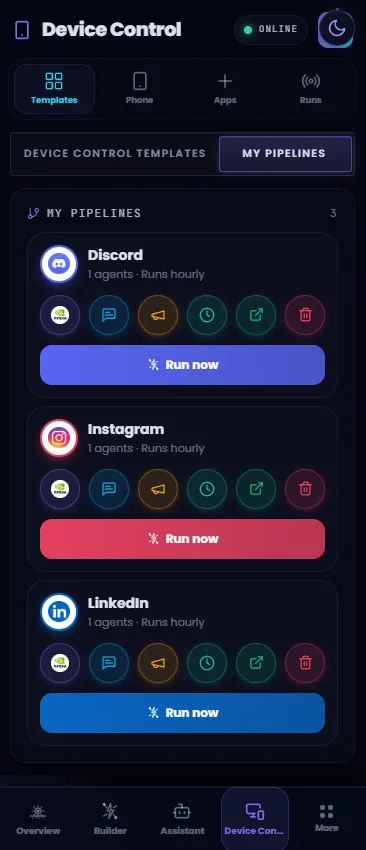
असली काम उन apps में होता है जहां आपके automations नहीं पहुंचते।
मैसेज, मंजूरियां और पोस्ट उन mobile apps के अंदर होते हैं जिनकी कोई API नहीं, इसलिए ज्यादातर automation browser पर ही रुक जाती है। और बिना guardrails के AI को unlocked phone देना बिल्कुल नहीं चलता।
Melaya इसे governed बनाता है: एजेंट आपके phone को एक explicit per-app allowlist के तहत चलाते हैं, जिसे एक tap में रद्द किया जा सकता है और स्क्रीन पर live देखा जा सकता है।
Android पर Melaya app install करें, QR code scan करें, और वे permissions दें जिन्हें आप कभी भी रद्द कर सकते हैं।
app by app access दें। allowlist से बाहर की हर चीज़ पहुंच से दूर रहती है।
एजेंट स्क्रीन देखते हैं, एक-एक कदम action लेते हैं और हर नतीजे की जांच करते हैं। किसी भी वक्त live देखें, मंजूरी दें या रोकें।
उसे उसी AI से जोड़िए जो आप पहले से इस्तेमाल करते हैं
Melaya एक रिमोट MCP सर्वर है, इसलिए एक ही एंडपॉइंट किसी भी MCP क्लाइंट को इस पेज के फ़ोन टूल्स देता है। आप OAuth से साइन इन करते हैं और तय करते हैं कि क्या देना है। सुरक्षा-सीमाएँ वैसी ही रहती हैं, क्योंकि उन्हें फ़ोन लागू करता है।




api.melaya.org/mcp OAuth 2.1एक एंडपॉइंट पर 35 टूल्स। कुछ इंस्टॉल नहीं करना, कोई SDK नहीं। Melaya सेटिंग्स में डिसकनेक्ट करें और कनेक्शन खुद को नवीनीकृत नहीं कर पाएगा।
अलग phone bot नहीं. वही Melaya agent loop.
Device Control agents को paired Android phone एक tool surface की तरह देता है. Agent observe करता है, छोटा action चुनता है, phone result का इंतजार करता है और उसी logs, HITL, model routing और run history के साथ आगे बढ़ता है.
phone.open_app()जब स्ट्रक्चर्ड लेबल उपलब्ध हों तो एक्सेसिबिलिटी ट्री पढ़ें, या जब विज़ुअल लेआउट मायने रखे तो स्क्रीनशॉट लें।
phone.read_screen()टैप करें, टेक्स्ट पर क्लिक करें, टेक्स्ट इनपुट करें, स्क्रॉल करें, स्वाइप करें, होम जाएं, बैक जाएं, ऐप खोलें, URL खोलें, और UI स्टेट बदलाव के लिए प्रतीक्षा करें।
phone.tap()फ़ोन वर्कफ़्लो उसी वर्कस्पेस से चलाएं जहां टीमें पहले से एजेंट, टेम्पलेट, स्वीकृतियां, कनेक्टर और हिस्ट्री मैनेज करती हैं।
Trust वहां से शुरू होता है जहां agent touch नहीं कर सकता.
User installed apps देखता है, search करता है और per-app access देता है. Server command queue से पहले allowlist check करता है. Android execution से पहले foreground app फिर check करता है.
Search installed apps





Server checks the allowlist. The phone checks the foreground app again before executing.
एक बार में एक एक्शन, हर स्टेप के बाद सबूत के साथ।
फ़ोन का UI डायनामिक होता है। सही ऑटोमेशन पैटर्न है: देखें, एक्शन लें, जांचें, फिर आगे बढ़ें। Melaya मेमोरी से अंधाधुंध टैप चेन चलाने से बचता है।
Observe
मौजूदा ऐप, स्क्रीन ट्री, या स्क्रीनशॉट पढ़ें ताकि एजेंट को पता चले कि असल में क्या दिख रहा है।
Decide
सबसे छोटा सुरक्षित अगला एक्शन चुनें और कमांड स्वीकार होने से पहले ऐप स्कोप जांचें।
Execute
Android Accessibility टैप, जेस्चर, टेक्स्ट इनपुट, ऐप लॉन्च, या ग्लोबल एक्शन पूरा करती है।
Verify
फ़ोन नतीजा भेजता है, UI अपडेट होता है, और एक्शन संवेदनशील होने पर रन मानवीय स्वीकृति के लिए रुक जाता है।
जब phone खुद control हो रहा हो, mirror नहीं control दिखाएं.
APK के अंदर users को recursive phone preview नहीं चाहिए. उन्हें visible working overlay, immediate stop, HITL state और run finish, kill या pause होने पर Melaya app में return चाहिए.
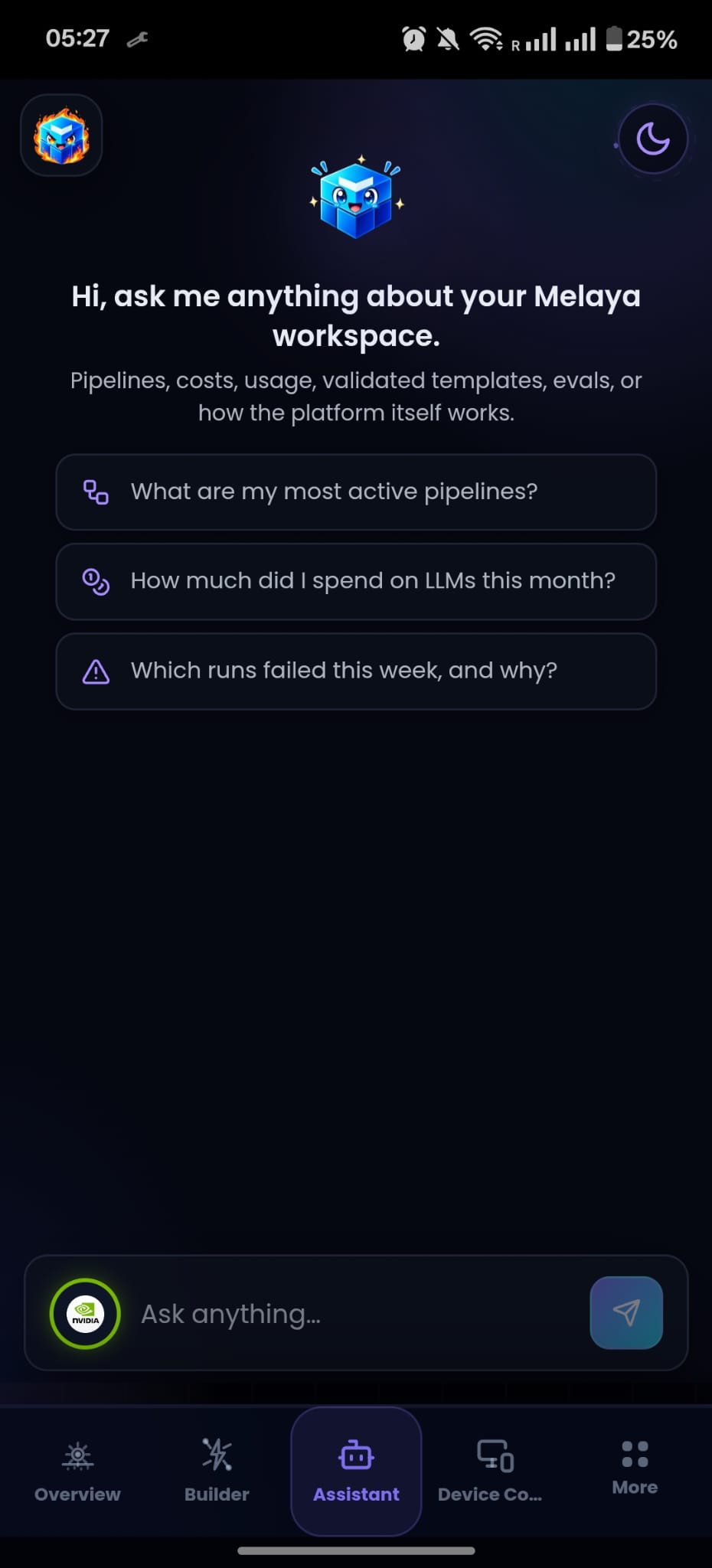
 लाइव
लाइवपूरा नियंत्रण दिखता है, तुरंत रोकने का विकल्प है, और रन खत्म होते ही आपका ऐप पहले जैसा हो जाता है।
डिवाइस परमिशन, अब बिल्कुल आसान।
Android जरूरी steps user के control में रखता है. Melaya इसे clear path बनाता है.
- 01
Melaya Android ऐप इंस्टॉल करें या खोलें।
- 02
फ़ोन को QR या डीप लिंक से पेयर करें।
- 03
अगर ऐप साइडलोडेड होने की वजह से Android पूछे, तो प्रतिबंधित सेटिंग्स की अनुमति दें।
- 04
Accessibility सेटिंग्स में Melaya Phone Control चालू करें।
- 05
अपने फ़ोन के Apps सेक्शन से वे ऐप्स ग्रांट करें जिन्हें एजेंट एक्सेस कर सकते हैं।
ताकतवर फ़ोन कंट्रोल, एक प्रोडक्ट फीचर जितना सीमित दायरे में।
Device Control जानबूझकर ओनरशिप, दायरे, दृश्यता और रद्दीकरण के बारे में स्पष्ट है। यह सुरक्षा की एकमात्र परत के रूप में प्रॉम्प्ट के शब्दों पर निर्भर नहीं रहता।
फ़ोन एक्सेस देने से पहले ज़रूरी सवाल
Android AI एजेंट्स, ऐप एक्सेस, मानवीय स्वीकृति, गोपनीयता, पेयरिंग, लाइव दृश्यता, बैटरी उपयोग और मोबाइल ऑटोमेशन की सीमाओं पर स्पष्ट उत्तर।
क्या Melaya अवरुद्ध ऐप्स को नियंत्रित कर सकता है?
नहीं। अवरुद्ध ऐप्स को सर्वर पॉलिसी नकारती है और एक्शन चलने से पहले डिवाइस पर फिर से जांच होती है।
क्या ऐप खुद Accessibility चालू कर सकता है?
नहीं। Android में Accessibility उपयोगकर्ता को मैन्युअली चालू करनी होती है। साइडलोडेड APK के लिए प्रतिबंधित सेटिंग्स की अनुमति भी देनी पड़ सकती है।
क्या फोन मिरर REST पोलिंग इस्तेमाल करता है?
नहीं। मिरर का इरादा Socket.IO के साथ बाइनरी फ्रेम, canvas रेंडरिंग, और दबाव में लेटेस्ट-फ्रेम-जीतता है ड्रॉपिंग का है।
क्या iOS और Android एक जैसे हैं?
नहीं। iOS थर्ड-पार्टी ऐप्स को Android जैसा Accessibility नियंत्रण नहीं देता। iOS का कोई भी वर्जन चाहिए तो उसके लिए अलग Shortcuts या App Intents डिज़ाइन चाहिए होगा।
रन तुरंत कैसे रोकें?
वर्किंग ओवरले हमेशा ऊपर रहता है जिसमें रोकें बटन होता है। एक टैप से रन कैंसल होता है और फोन पहले वाली स्थिति में वापस आ जाता है।
क्या मेरी स्क्रीन या डेटा कहीं भेजा जाता है?
लाइव मिरर केवल तभी एक प्रमाणित सॉकेट पर स्ट्रीम होता है जब आप देख रहे हों, और फ्रेम कभी स्टोर नहीं होते। एजेंट केवल उन्हीं ऐप्स को पढ़ते हैं जिन्हें आप अनुमति देते हैं।
क्या मैं जुड़ा हुआ फोन हटा सकता हूं?
हां। हर डिवाइस में एक रद्द करने योग्य टोकन होता है जिसे आप Device Control से कभी भी डिलीट कर सकते हैं, जिससे तुरंत उसकी पहुंच खत्म हो जाती है।
क्या इससे बैटरी ज्यादा खर्च होती है?
कैप्चर और पोलिंग केवल एक्टिव रन के दौरान चलते हैं और खत्म होते ही बंद हो जाते हैं, इसलिए बैटरी पर असर न्यूनतम रहता है।
इंस्टॉल करें। QR से पेयर करें। अपने ऐप्स को अनुमति दें।
डाउनलोड से पहले सुपरवाइज़्ड रन तक दस मिनट।
मुफ़्त शुरुआत · अंतर्निहित मानव नियंत्रण · मॉडल लॉक-इन नहीं