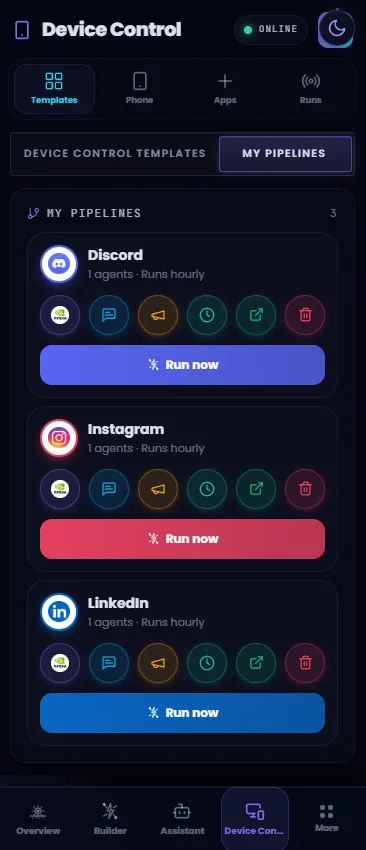
真实工作发生在你的自动化触及不到的应用里。
消息、审批和发帖都在没有 API 的移动应用内完成,大多数自动化只能停在浏览器门口。把一台没有护栏的手机交给 AI,也是绝对不可接受的。
Melaya 让这件事有规可循:智能体在明确的逐应用 allowlist 下操作你的手机,一键可撤销,全程可在屏幕上观察。
在 Android 上安装 Melaya 应用,扫描 QR 码,并授予可以随时撤销的权限。
逐个应用授予访问权限。不在 allowlist 里的应用一律无法触及。
智能体看到屏幕,一次执行一步,并验证每个结果。随时实时观看、审批或停止。
把它接到你已经在用的 AI 上
Melaya 是一个远程 MCP 服务器,一个端点就能把本页面的手机工具交给任何 MCP 客户端。你通过 OAuth 登录并自行决定授予哪些权限。防护措施不会改变,因为执行它们的是手机本身。



api.melaya.org/mcp OAuth 2.1一个端点,35 个工具。无需安装,无需 SDK。在 Melaya 设置中断开连接,该连接就无法再自行续期。
不是单独的手机机器人。还是同一个 Melaya agent loop。
Device Control 把已配对的 Android 手机作为另一种工具表面交给智能体。智能体观察、选择一个小动作、等待手机结果,然后用同样的日志、HITL、模型路由和 run 历史继续。
phone.open_app()有结构化标签时读取无障碍树,视觉布局更重要时则截取屏幕截图。
phone.read_screen()点击、点击文本、输入文本、滚动、滑动、回到主屏、返回、打开应用、打开 URL,以及等待 UI 状态变化。
phone.tap()在团队已经管理智能体、模板、审批、连接器与历史记录的工作区中运行手机工作流。
信任从智能体不能触碰什么开始。
用户可以查看手机上的已安装应用、搜索应用,并按应用授权。服务器在命令入队前检查 allowlist。Android 在执行前再次检查前台应用。
Search installed apps




Server checks the allowlist. The phone checks the foreground app again before executing.
一次一个动作,每一步都有证据。
手机 UI 是动态的。正确模式是观察、行动、验证,然后继续。Melaya 避免从记忆里盲目连点。
Observe
读取当前应用、屏幕树或截图,让智能体知道真正可见的内容。
Decide
选择最小的安全下一步动作,并在命令被接受前检查应用授权范围。
Execute
Android 无障碍功能执行点击、手势、文本输入、应用启动或全局操作。
Verify
手机回传结果,界面随之更新,遇到敏感操作时运行会暂停,等待 HITL 审批。
当手机控制自己时,展示控制状态,而不是镜像。
在 APK 内,用户不需要递归的手机预览。需要的是可见的工作 overlay、立即停止、HITL 状态,以及 run 完成、被 kill 或暂停后回到 Melaya。
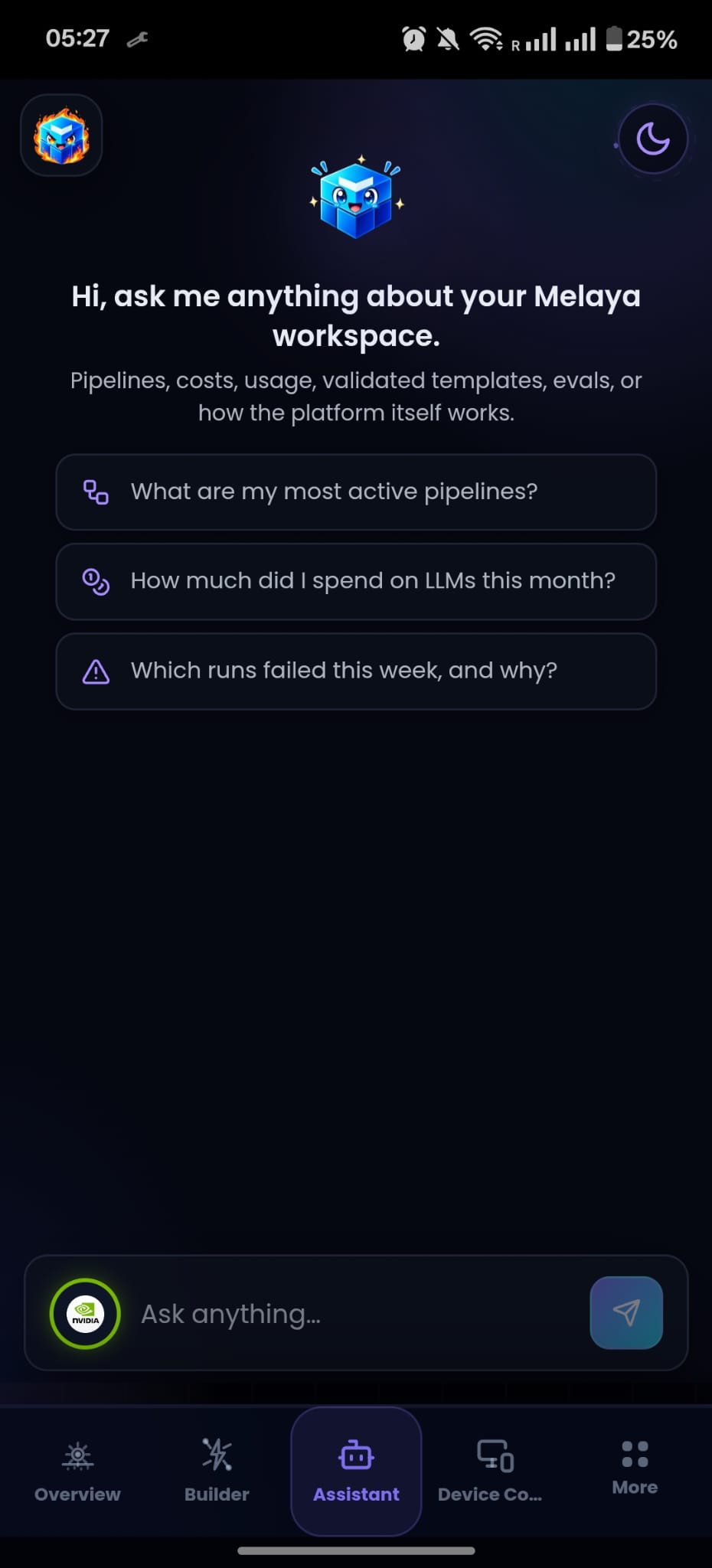
 运行中
运行中全程可见控制,随时一键停止,运行结束后恢复原始应用状态。
权限设置,清晰易懂。
Android 要求重要步骤由用户掌控。Melaya 把它做成清晰路径。
- 01
安装或打开 Melaya Android 应用。
- 02
使用 QR 码或深度链接配对手机。
- 03
若因应用为旁加载,Android 提示允许受限设置,请予以允许。
- 04
在无障碍设置中开启 Melaya Phone Control。
- 05
在你手机的“应用”页面中,为智能体可能访问的应用授予权限。
强大的手机控制,以产品功能方式限定范围。
Device Control 明确展示所有权、范围、可见性和撤销能力。安全不只依赖 prompt 文案。
授权手机访问前需要了解的问题
直接了解 Android AI 智能体、应用访问、人工审批、隐私、设备配对、实时可见性、电池使用与移动自动化边界。
Melaya 能控制已拦截的应用吗?
不能。已拦截的应用受服务端策略拒绝,且在操作执行前还会在设备上再次核验。
应用能自行开启无障碍功能吗?
不能。Android 要求用户手动开启无障碍功能。旁加载的 APK 还可能需要允许受限设置。
手机镜像使用 REST 轮询吗?
不。镜像路径计划采用 Socket.IO 二进制帧传输、canvas 渲染,并在压力下丢弃旧帧,始终保留最新帧。
iOS 和 Android 一样吗?
不一样。iOS 不向第三方应用开放 Android 风格的无障碍控制接口。任何 iOS 版本都需要单独基于 Shortcuts 或 App Intents 进行设计。
如何立即停止运行?
工作中的悬浮层始终置顶,并显示停止按钮。轻点一次即可取消运行,手机恢复到之前的状态。
我的屏幕或数据会被上传吗?
实时镜像仅在你观看时通过已认证的 socket 传输,帧数据从不存储。智能体只读取你允许的应用。
能撤销已配对的手机吗?
可以。每台设备持有一个可撤销的 token,你随时可以在设备控制中删除,删除后立即终止其访问权限。
会耗电吗?
截屏和轮询仅在运行期间启动,运行结束后立即停止,空闲时对电量的影响微乎其微。
