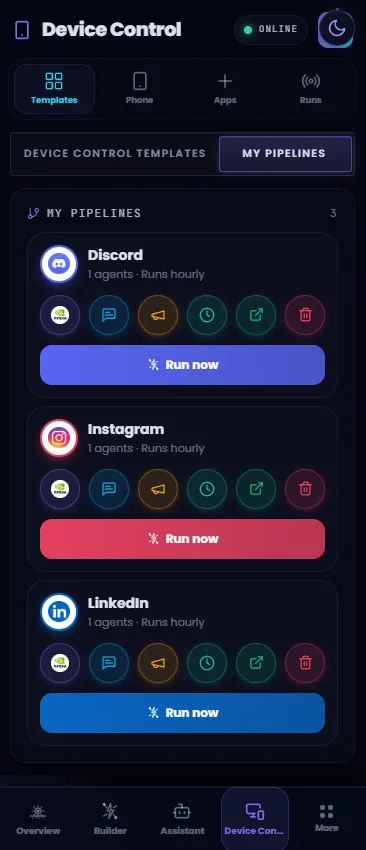
Real work lives in apps your automations cannot reach
Messages, approvals, and posts happen inside mobile apps with no API, so most automation stops at the browser. And handing an AI an unlocked phone is a hard no without guardrails.
Melaya makes it governed: agents operate your phone under an explicit per-app allowlist, revocable in one tap, observable live on screen.
Install the Melaya app on Android, scan a QR code, and grant permissions you can revoke at any time.
Grant access app by app. Anything off the allowlist stays out of reach.
Agents see the screen, act one step at a time, and verify each result. Watch live, approve, or stop at any moment.
Connect it to the AI you already use
Melaya is a remote MCP server, so one endpoint gives any MCP client the phone tools on this page. You sign in with OAuth and choose what to grant. The guardrails do not change, because the phone is what enforces them.

api.melaya.org/mcp OAuth 2.18,765 tools over one endpoint. Nothing to install, no SDK. Disconnect in Melaya settings and the connection loses its ability to renew itself.
No separate phone bot. The same Melaya agent loop.
Device Control gives agents a paired Android phone as one more tool surface. The agent observes, chooses one small action, waits for the phone result, and repeats with the same logs, HITL policy, model routing, and run history as the rest of Melaya.
phone.open_app()Read the accessibility tree when structured labels are available, or capture a screenshot when visual layout matters.
phone.read_screen()Tap, click text, input text, scroll, swipe, go home, go back, open apps, open URLs, and wait for UI state changes.
phone.tap()Run phone workflows from the workspace where teams already manage agents, templates, approvals, connectors, and history.
Trust starts with what the agent cannot touch.
Users see installed apps from their phone, search them, and grant access per app. The server checks the allowlist before commands are queued. The Android app checks the foreground package again before action execution.
Search installed apps



Server checks the allowlist. The phone checks the foreground app again before executing.
One action at a time, with evidence after every step.
Phone UI is dynamic. The correct automation pattern is observe, act, verify, then continue. Melaya avoids blind tap chains from memory.
Observe
Read the current app, screen tree, or screenshot so the agent knows what is actually visible.
Decide
Choose the smallest safe next action and check app scope before the command is accepted.
Execute
Android Accessibility performs the tap, gesture, text input, app launch, or global action.
Verify
The phone posts the result, the UI updates, and the run pauses for HITL when the action is sensitive.
When the phone controls itself, show control, not a mirror.
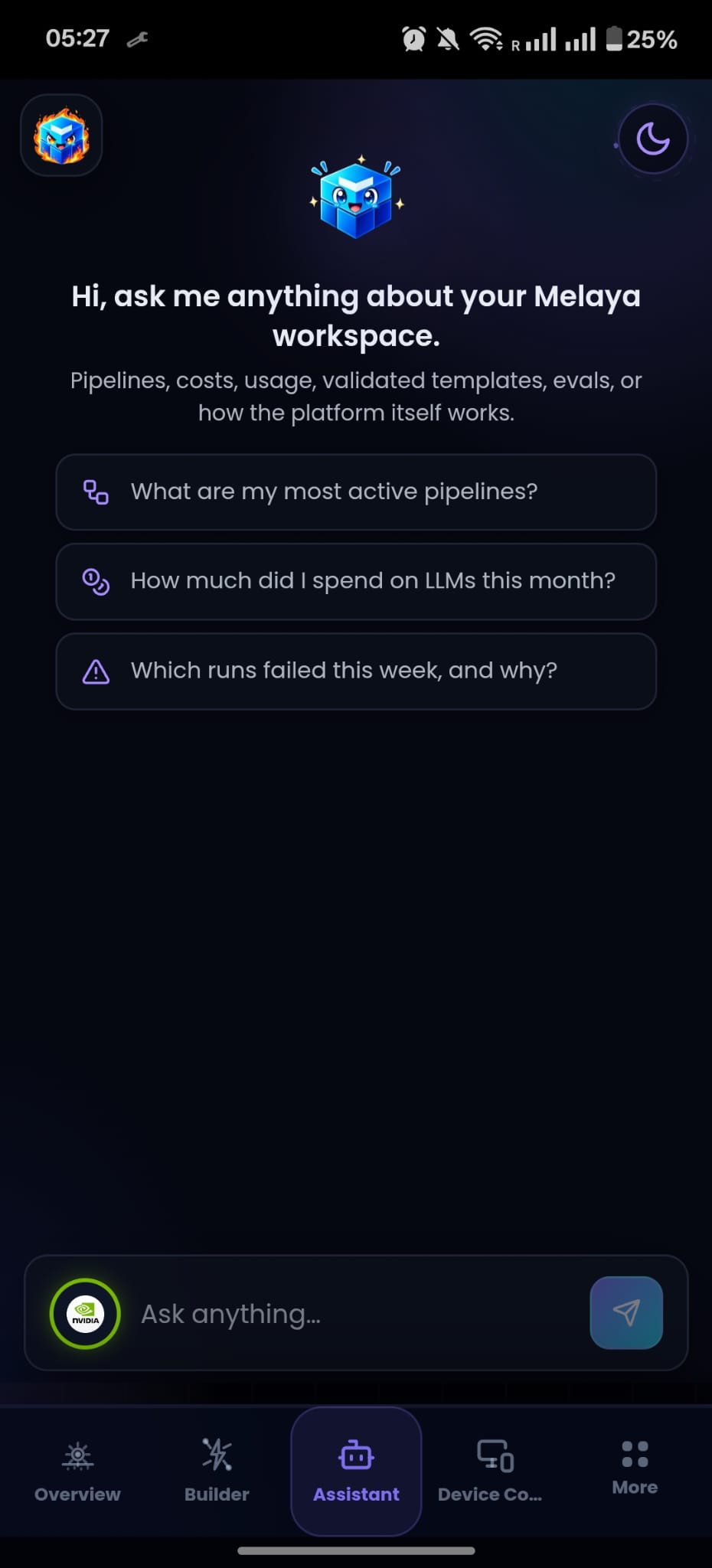
Inside the APK, users do not need a recursive phone preview. They need a visible working overlay, immediate stop controls, HITL state, and a return to the Melaya app when the run finishes, is killed, or pauses.
 Live
LiveVisible control, an immediate stop, and a return to your app state when the run ends.
A permission flow made genuinely understandable.
Android requires the user to own the important steps. Melaya turns that into a clear path rather than hiding the platform rules.
- 01
Install or open the Melaya Android app.
- 02
Pair the phone with QR or deep link.
- 03
Allow restricted settings if Android asks because the app is sideloaded.
- 04
Enable Melaya Phone Control in Accessibility settings.
- 05
Grant the apps agents may access from Apps on your phone.
Powerful phone control, scoped like a product feature.
Device Control is intentionally explicit about ownership, scope, visibility, and revocation. It does not rely on prompt wording as the only safety layer.
Questions before giving phone access
Practical answers about Android AI agents, app access, human approval, privacy, pairing, live visibility, battery use, and the limits of mobile automation.
Can Melaya control blocked apps?
No. Blocked apps are denied by the server policy and checked again on-device before actions run.
Can the app enable Accessibility by itself?
No. Android requires the user to enable Accessibility manually. Sideloaded APKs can also require Allow restricted settings.
Does the phone mirror use REST polling?
No. The intended mirror path is Socket.IO with binary frames, canvas rendering, and latest-frame-wins dropping under pressure.
Is iOS the same as Android?
No. iOS does not expose Android-style Accessibility control to third-party apps. Any iOS version would need a separate Shortcuts or App Intents design.
How do I stop a run instantly?
The working overlay stays on top with a Stop button. One tap cancels the run and returns the phone to its previous state.
Are my screens or data sent anywhere?
The live mirror streams over an authenticated socket only while you are watching, and frames are never stored. Agents read only the apps you allow.
Can I revoke a paired phone?
Yes. Every device holds a revocable token you can delete from Device Control at any time, which immediately ends its access.
Does it drain the battery?
Capture and polling run only during an active run and stop the moment it finishes, so idle battery impact stays minimal.
Install. Pair by QR. Allowlist your apps.
Ten minutes from download to your first supervised run.
Free to start · Human control built in · No model lock-in