






 Approval needed
Step 01 / 06
Install the Odoo App
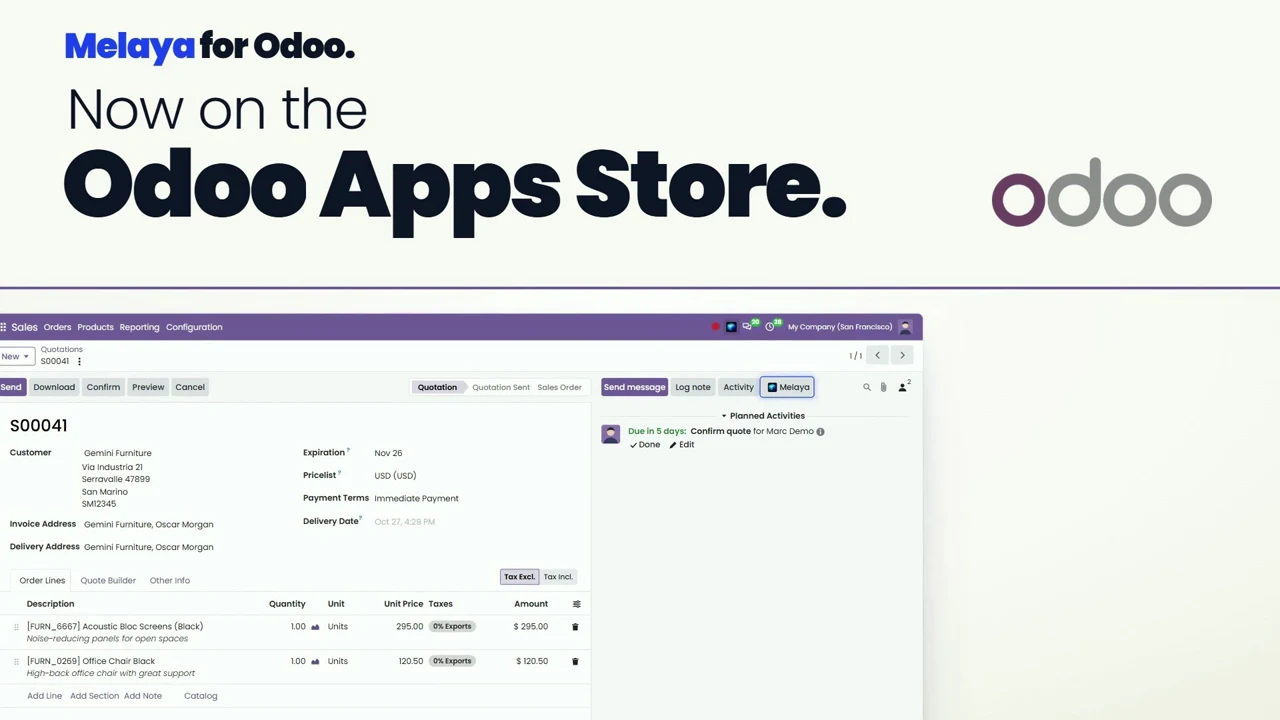
Install melaya_ai_agents from the Odoo Apps store on Odoo 19 or 20, Community or Enterprise. Then open Settings, Melaya.



Melaya puts governed AI agents in the chatter of any Odoo record. Your clients ask, run and approve without leaving Odoo. You install it in five minutes, deliver ready-made pipelines per department, and earn on every account you bring.
Every step below is the real module flow. Nothing writes to Odoo until a person approves it.
Install melaya_ai_agents from the Odoo Apps store on Odoo 19 or 20, Community or Enterprise. Then open Settings, Melaya.
Pick the groups of the Melaya Agent user, click Connect to Melaya, review what Odoo sends, sign in and confirm the code. Administrator groups are never allowed.
In the Melaya project, add the team's AI provider key once, for example Qwen, OpenAI, Anthropic or Google, and connect the services some templates use, such as Gmail, Slack or Microsoft Teams. The model can be switched per pipeline.
Click Add from templates and tick what the team needs. Melaya creates the pipelines and Odoo puts each one on the right records. Tune where they appear in Exposed models.
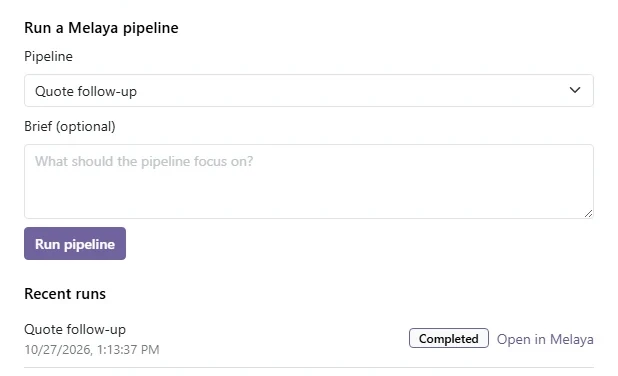
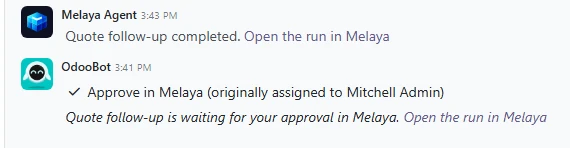
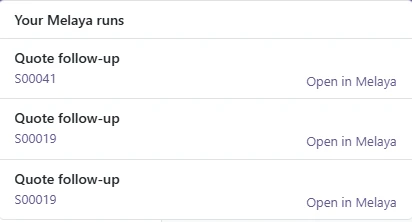
A user clicks Melaya in the chatter, picks a pipeline and adds a short brief. Odoo adds an Approve in Melaya To-Do, and the result lands as an internal note your client's customers never see.
The client team runs it day to day, with schedules for weekly reviews and month-end checks. You support the account and earn a recurring commission on every payment.
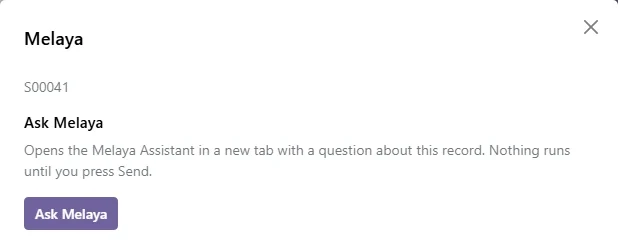
On the recordScheduledActions that wait for approval
Templates that use Enterprise apps such as Helpdesk, Subscriptions or Payroll say which app is missing on Community instead of failing.
With the Melaya MCP server and the Melaya skill, Claude, ChatGPT, Codex or Cursor builds the pipeline in your client's Melaya project, from a plain description of how the team works.
Add the Melaya MCP server to your AI assistant and install the Melaya skill. Sign in once and choose what it is allowed to do.
Say which client it is for, so the assistant builds in that client's Melaya project. Then explain in plain words what should happen in Odoo, when, and who approves it.
The assistant creates the pipelines, connectors, schedules and approvals in the client's Melaya project and runs a test. Actions that write to Odoo or send messages still wait for a person.
Every morning, find Odoo deliveries that are late against the promised date, draft an email to each customer with the new date, and ask the salesperson to approve it in Melaya before it is sent.







Preview every page here, then download the PDF to share with your team or your client.
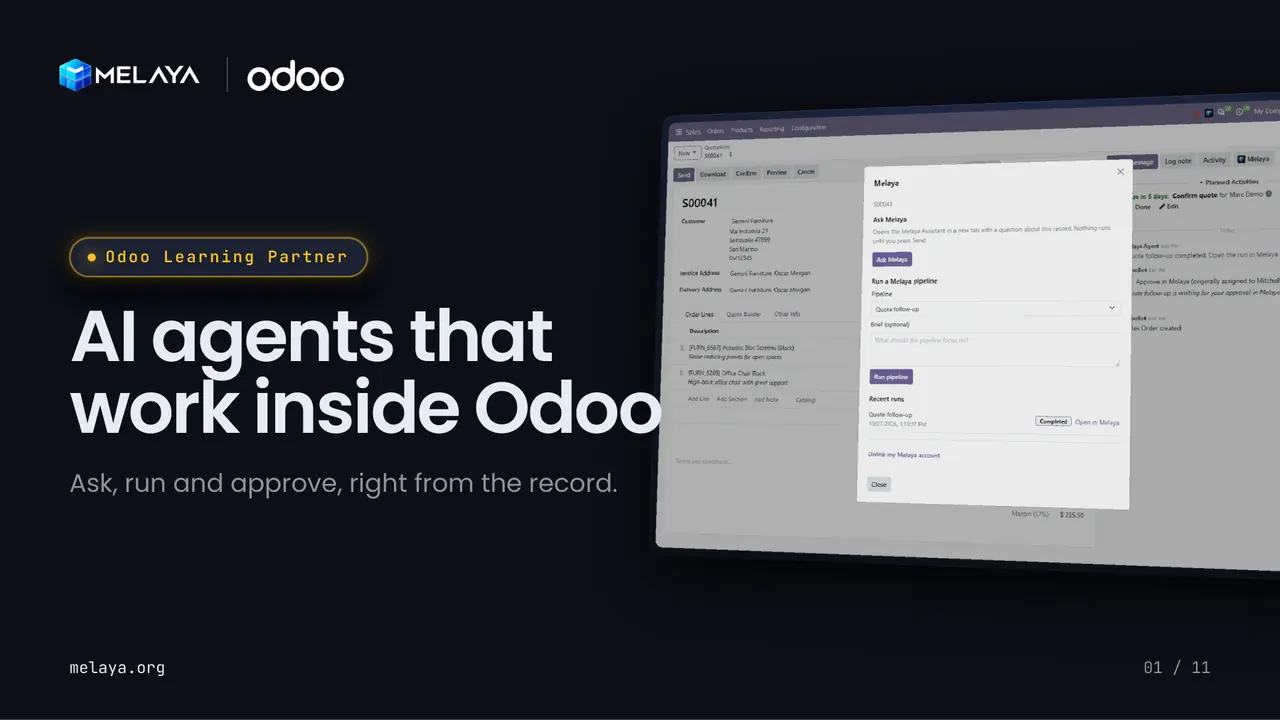 1 / 11
Eleven slides to show a client what agents inside Odoo look like: asking, running and approving from the record.
Implement Melaya for your clients, or point self-serve Odoo users to it. Either way, the accounts you bring pay you every month they stay.
Deliver Melaya as part of your Odoo projects. The integrator program covers registration, delivery and support.
Share your link in a directory listing, a newsletter or your client portal. Odoo teams that sign up through it count as yours.
$300 for you, every month
Odoo 19 and Odoo 20. The module is melaya_ai_agents on the Odoo Apps store, under the OPL-1 license.
Yes. It works on Community and Enterprise. Templates that rely on Enterprise apps such as Helpdesk, Subscriptions or Payroll say which app is missing on Community instead of failing.
About five minutes: install the module, pick the Melaya Agent groups, connect to Melaya, add the team's AI provider key in the Melaya project, then add pipelines from templates. Tuning exposed models and connecting extra services comes after.
Yes. Connect the Melaya MCP server and the Melaya skill to your AI assistant (Claude, ChatGPT, Claude Code, Codex, Cursor and others), then describe the client's process in plain words. The assistant builds the pipelines, connectors, schedules and approvals in the client's Melaya project and tests them. Writes to Odoo and outgoing messages still wait for approval.
When an administrator connects: the database name, URL and Odoo version, the Melaya Agent login and API key, its groups, and the administrator's login and name. On each call: the model name, the record id, the Odoo user id and the brief the user typed. Calls go to api.melaya.org over HTTPS.
On Odoo plans billed per user, the Melaya Agent counts as one paid internal user.
Any provider the team adds to its Melaya project, for example Qwen, OpenAI, Anthropic or Google. Templates start on Qwen 3.7 Plus and the model can be switched per pipeline.
Through the Melaya affiliate program: up to 30% recurring commission on every payment, including renewals, for the customer's lifetime. Keep the full 30% or share part of it with your clients as a discount. Attribution lasts 30 days and payouts are monthly.
You own the client relationship and first-line support. Melaya supports the platform and you. The integrator program deck details the support model and ownership.
Install the module, connect one database, and run your first approved pipeline today.